Navigating the digital landscape often means knowing when to step back or even completely remove your presence from certain platforms. For many US gamers, balancing a vibrant online life with real-world responsibilities like jobs and family is key. This guide offers a comprehensive look into how you delete your account on Roblox, a platform that has been a significant part of many gamers lives for years. Whether you are looking to declutter your digital footprint protect your privacy or simply move on to new gaming adventures understanding the process of account deletion is crucial. We will cover the specific steps involved what happens to your data and crucial considerations before making a final decision ensuring you have all the information you need to proceed confidently. This resource aims to empower busy adult gamers with practical solutions and clear answers to common questions about managing their Roblox presence.
Related gamesHow do you delete your account on Roblox permanently?
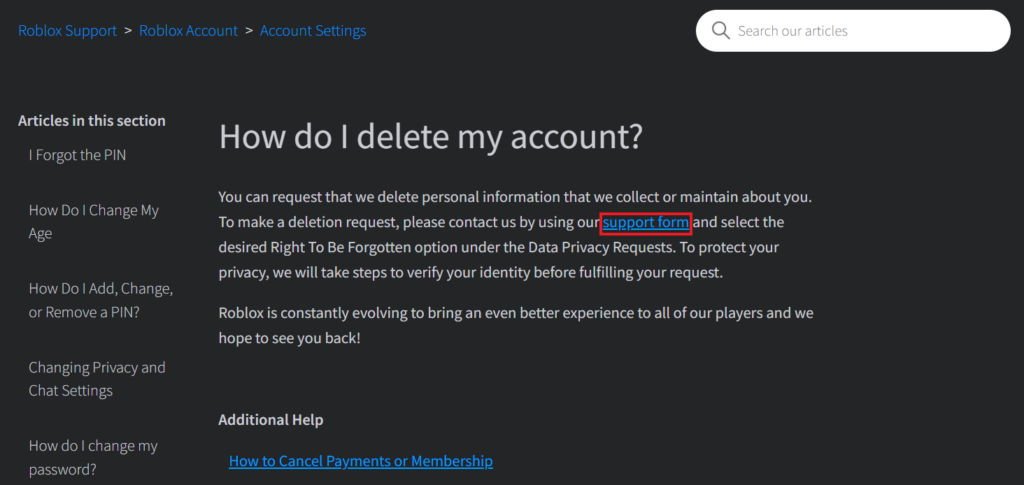
To permanently delete your Roblox account, you must contact Roblox Customer Support directly. There isn't an in-app button or self-service option for immediate deletion. You'll need to submit a support ticket via their official website, clearly stating your request for account termination and providing necessary verification details like your username and associated email address. Be prepared for a verification process to confirm you are the account owner.
What information is required to delete my Roblox account?
When requesting account deletion, Roblox will typically ask for your Roblox username and the email address linked to the account. To verify your identity and prevent unauthorized deletions, they might also request additional information such as proof of past Robux purchases or the original sign-up date. For accounts belonging to minors, a parent or guardian will usually need to provide their own identification to complete the request.
Is Roblox account deletion reversible?
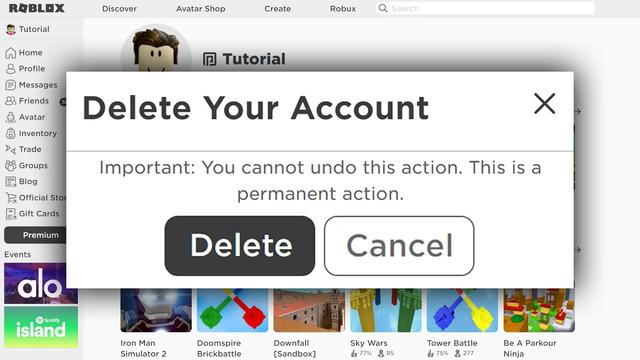
No, once your Roblox account has been permanently deleted, the action is irreversible. All associated data, including Robux, virtual items, created games, and friend lists, will be irretrievably lost. There is no recovery process, so it is crucial to be absolutely certain you want to proceed before submitting your deletion request to customer support.
How long does it take for Roblox to delete an account after a request?
The time it takes for Roblox to process an account deletion request can vary. After submitting your support ticket, you can expect an initial response within a few business days. The full verification and deletion process might then take anywhere from several days to a couple of weeks, depending on the volume of requests and the completeness of the information you provide. Patience is advised.
What happens to my Robux and game creations if I delete my Roblox account?
Upon permanent deletion of your Roblox account, all your Robux, any virtual items purchased or earned, and all games or creations you have developed on the platform will be permanently lost and cannot be recovered or transferred. Roblox does not offer refunds for Robux or in-game purchases once an account is deleted. It is recommended to spend any remaining Robux before initiating the deletion process.
Can I delete a Roblox account if I've forgotten my password?
Yes, you can still request to delete your Roblox account even if you've forgotten your password. You'll need to go through the Roblox Customer Support process, explaining that you wish to delete the account but cannot log in. They will guide you through identity verification steps, which may involve providing the associated email or other historical account information to confirm ownership before proceeding with deletion.
Are there any alternatives to deleting a Roblox account, like temporary suspension?
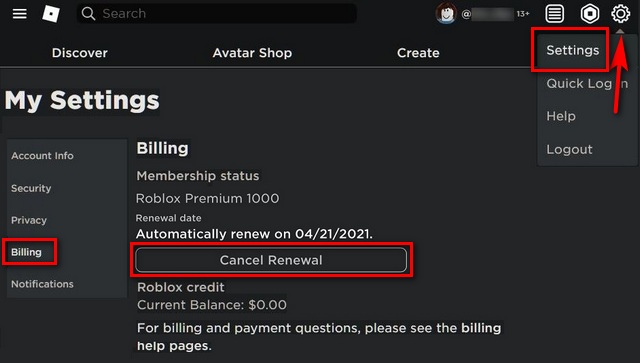
Roblox does not offer a user-initiated temporary suspension or deactivation feature. The closest alternative to permanent deletion is simply refraining from logging into the account. If an account remains inactive for a very long period (typically over one year), Roblox may automatically terminate it. However, if you simply need a break, logging out and uninstalling the app is the practical temporary solution without losing your data.
For many US gamers, the digital world offers an incredible escape, a place for relaxation, skill-building, and connecting with friends. However, like any aspect of a busy life, managing your online presence sometimes means making tough decisions, especially when it comes to platforms you've spent years on. Roblox, a giant in user-generated content, has captured the imagination of millions, from casual players to aspiring creators. But what happens when life shifts, priorities change, or you simply need to reduce your digital footprint? The question of how do you delete your account on Roblox becomes a pressing one for many adults balancing gaming with work and family. You're not alone in seeking this clarity; many gamers feel the need for a digital reset, driven by a desire for more privacy, less screen time, or simply a shift in gaming interests. This comprehensive guide will walk you through everything you need to know about removing your Roblox account, ensuring you make an informed decision without the usual online hype or corporate jargon. We're here to provide practical, actionable advice, just like a friend who understands the real-world implications of your digital choices.
Currently, about 87% of US gamers play regularly, often dedicating 10+ hours a week, and increasingly, mobile gaming dominates, blurring lines with PC and console play. Social gaming trends continue to soar, making platforms like Roblox central to many online interactions. Understanding how to manage these digital spaces, including eventual exits, is a key skill for today's connected gamer.
Can You Directly Delete a Roblox Account Yourself?
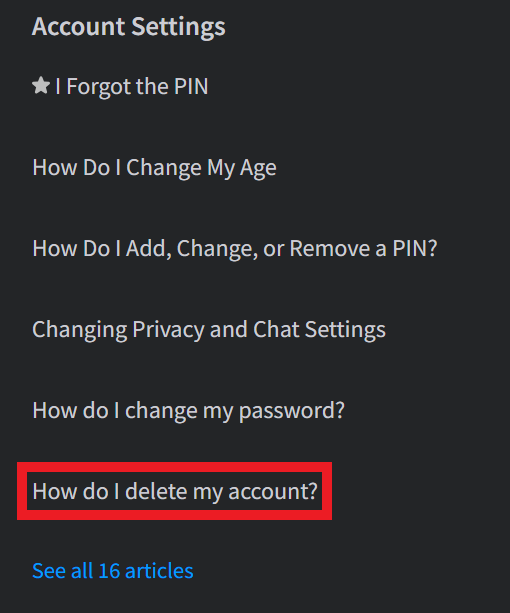
Unlike some platforms that offer a simple 'delete account' button in settings, Roblox does not provide a direct self-service option for permanent account deletion. This often surprises users, especially busy adults who expect streamlined processes. The official method involves contacting Roblox Customer Support directly. This means you won't find a one-click solution; instead, you'll need to communicate your request to their team. This approach is in place for several reasons, including security and ensuring that deletion requests are legitimate, especially considering the platform's large user base, which includes many younger players. For adult gamers managing multiple online profiles, this distinction is important to understand upfront.
What Happens When You Delete Your Roblox Account Permanently?
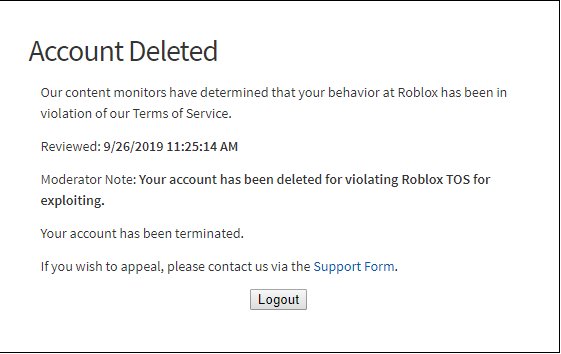
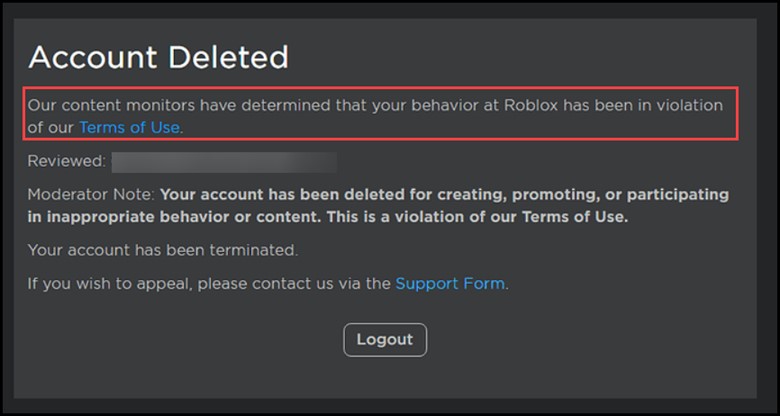
Deleting your Roblox account is a permanent action with significant consequences. Once processed, your account, along with all associated data, Robux balances, in-game purchases, created content (like games or assets), and friends lists, will be irretrievably removed from the platform. There is no recovery option once deletion is complete. This means any virtual items you've accumulated, any games you've developed, or any social connections you've made within Roblox will be lost. For gamers who might have spent considerable time or money on the platform, understanding this finality is crucial. It's not like simply uninstalling a game; it's a complete wipe of your digital presence on Roblox.
What Information Do You Need to Provide to Roblox Support?
When you contact Roblox Customer Support to initiate an account deletion, they will require specific information to verify your identity and ensure you are the legitimate account holder. Typically, you will need to provide your Roblox username, the email address associated with the account, and possibly proof of ownership or past activity, such as transaction IDs from Robux purchases or the original sign-up email. For parents or guardians deleting a child's account, additional verification like a government-issued ID may be requested. Providing accurate and complete information upfront can significantly speed up the deletion process, which is a major plus for busy individuals wanting to resolve this efficiently.
What Are the Steps to Initiate a Roblox Account Deletion?
The process to delete your Roblox account involves a few key steps:
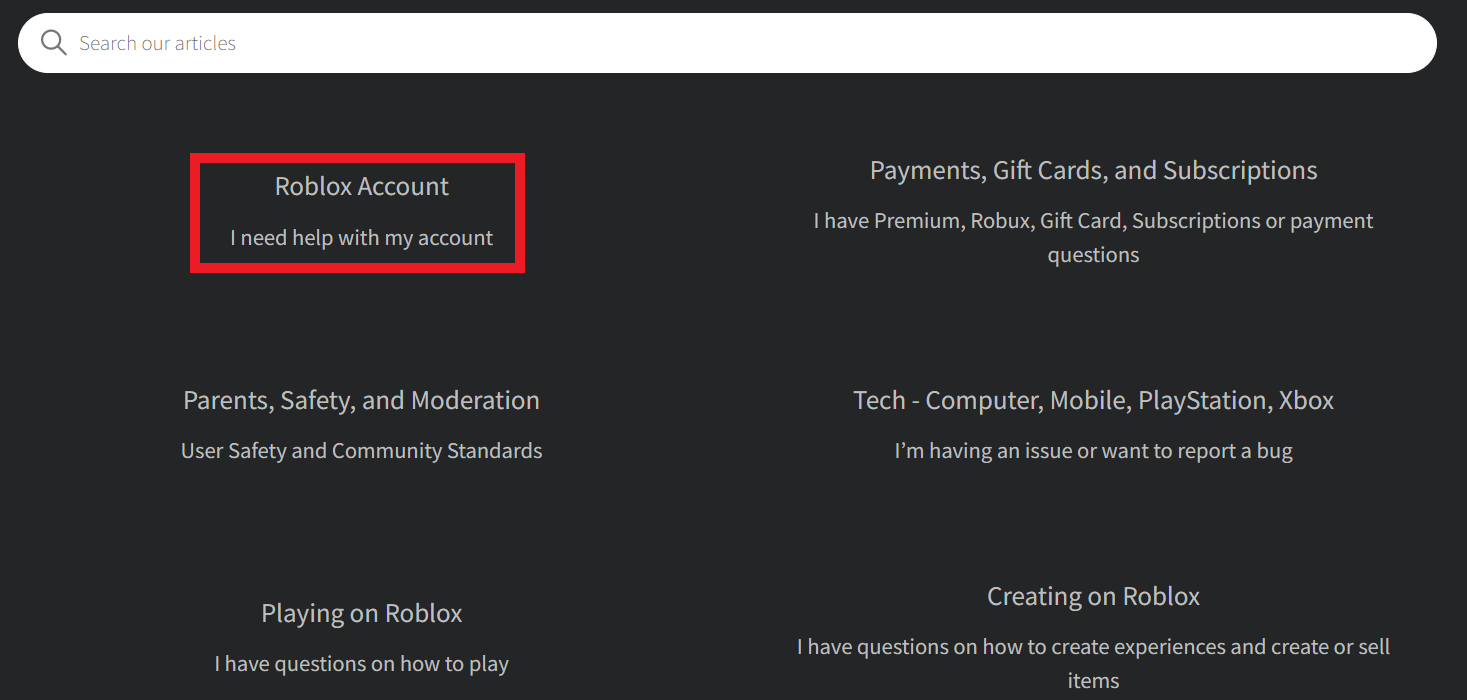
Step 1: Contact Roblox Customer Support. The primary way to begin is by visiting the Roblox Support page. Look for the 'Contact Us' or 'Support' link, usually found in the footer of the Roblox website.
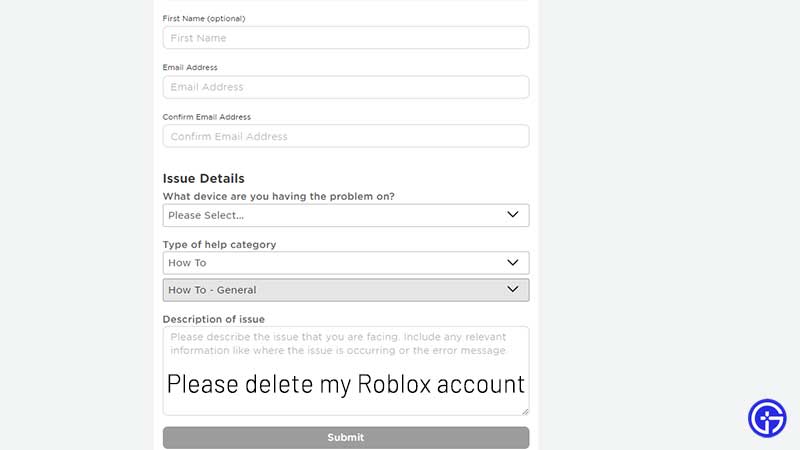
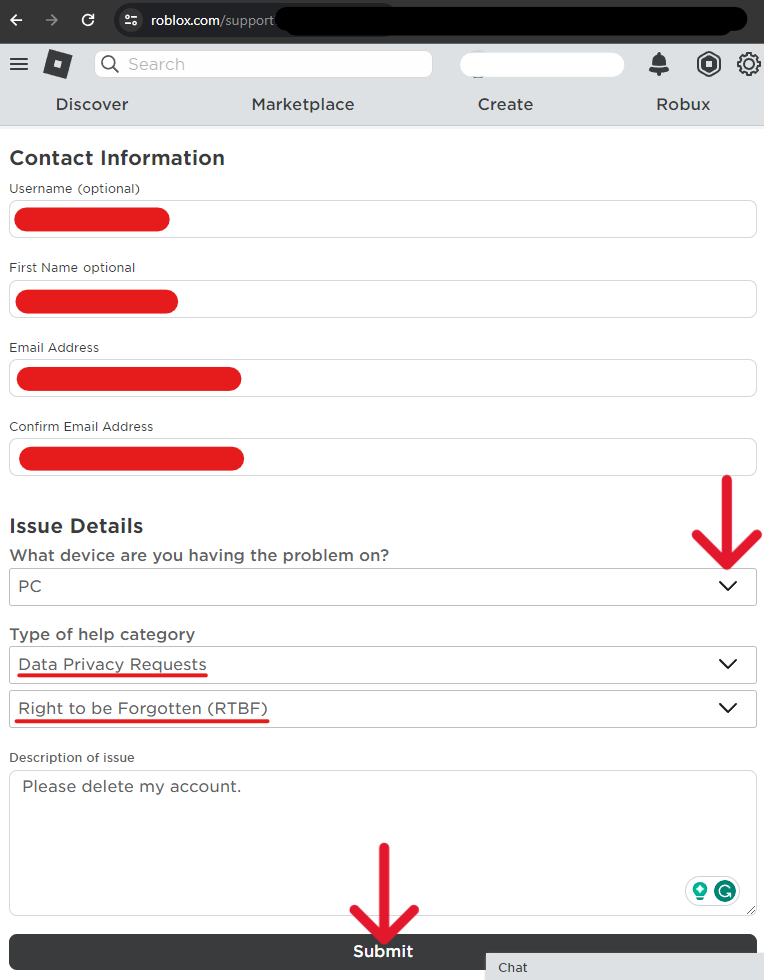
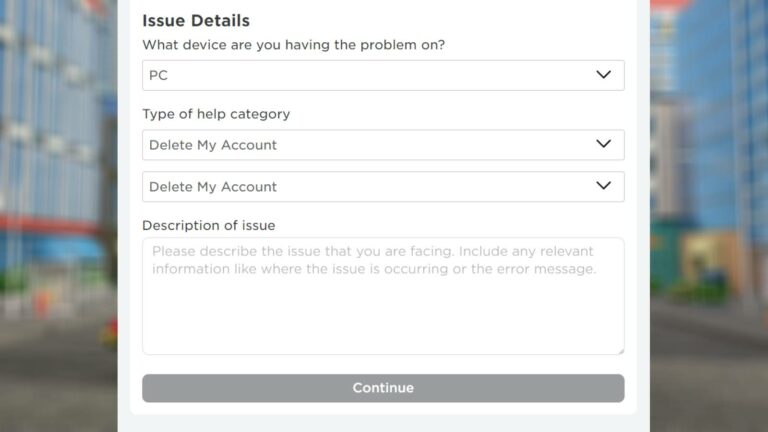
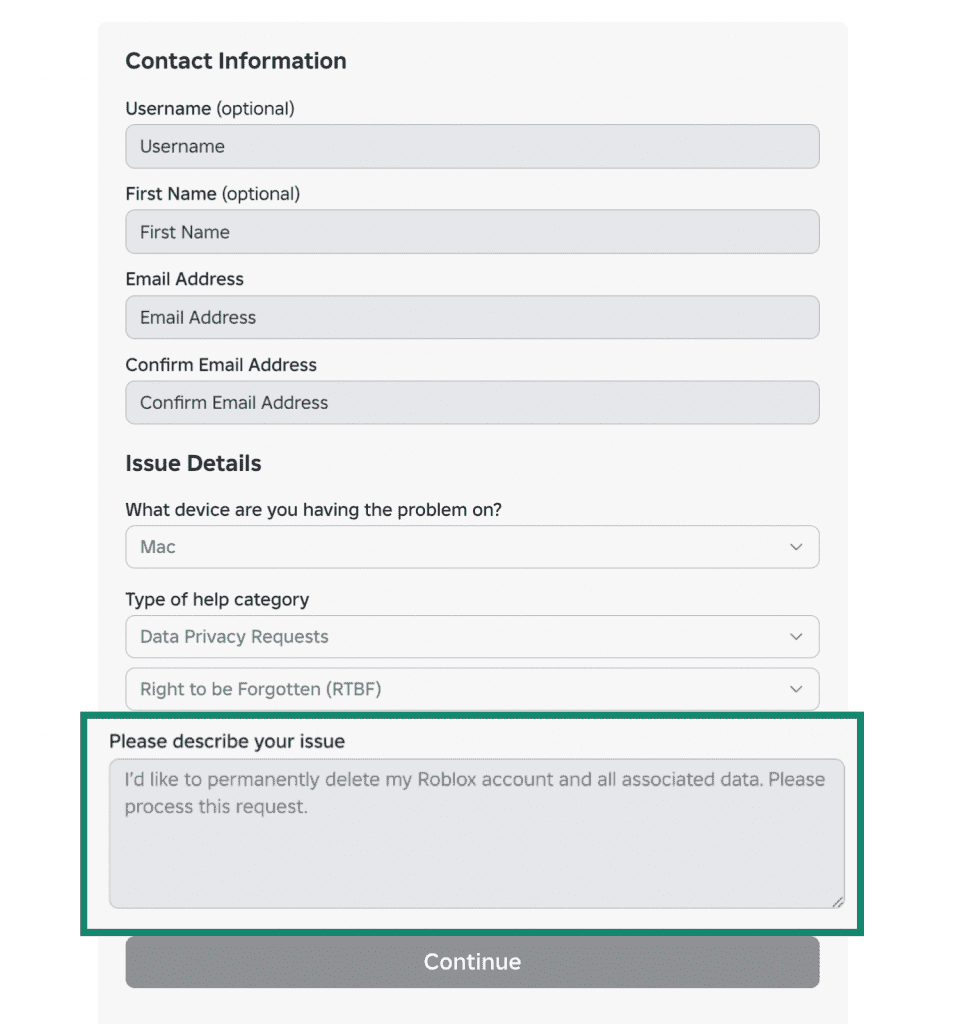
Step 2: Fill Out the Support Form. You'll typically find a form where you need to input your contact information (name, email) and your Roblox username. In the 'Type of help category,' select 'Account Hacked or Can't Log In' or a similar option that allows you to specify 'Account Termination' or 'Delete Account' in the description field. Be clear and direct with your request.
Step 3: State Your Request Clearly. In the description box, explicitly state that you wish to permanently delete your Roblox account. Provide any necessary verification details they might ask for, such as the email linked to the account and confirmation of your identity.
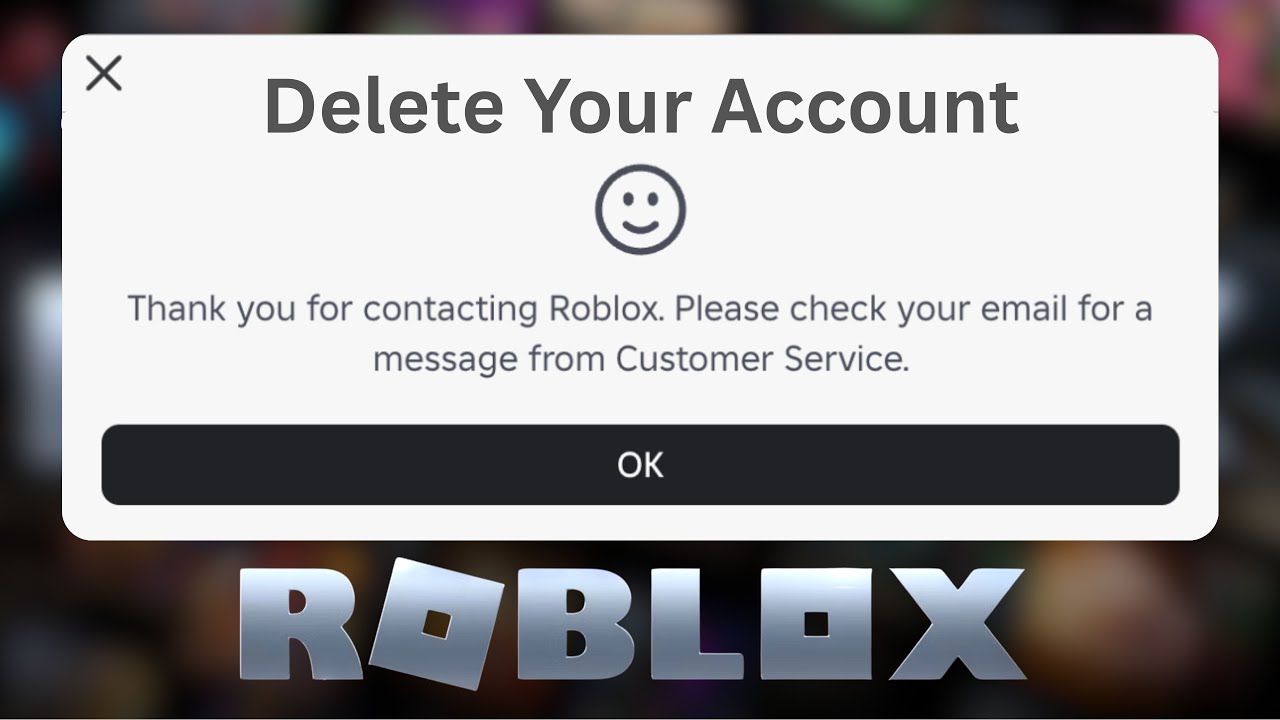
Step 4: Await a Response. Roblox Support will typically respond to your request via email. They might ask for further verification or provide details on the next steps. Be prepared for a back-and-forth communication to ensure your identity and intent are confirmed.
Step 5: Confirm Deletion. Once all necessary information is verified, Roblox Support will process your request. They may send a final confirmation email asking you to confirm the permanent deletion. It's crucial to respond to this promptly.
Remember, the entire process can take several days or even weeks, depending on the volume of requests and the completeness of the information you provide.
Are There Alternatives to Permanent Deletion?
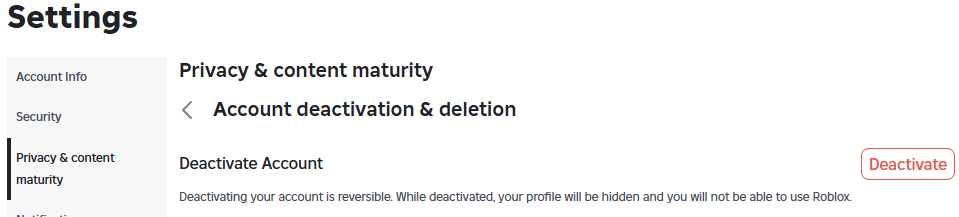
For gamers considering deletion due to needing a break or managing screen time, permanent deletion might be too drastic. Roblox offers a form of account deactivation or temporary closure for accounts that are inactive for an extended period. While not a user-initiated feature for temporary suspension, if an account remains inactive for over a year, Roblox reserves the right to terminate it. For those looking for a temporary break without losing all data, simply logging out and uninstalling the app might suffice. For busy parents who want to manage a child's access, parental controls and time limits can be set up outside of Roblox's platform. Consider these options if you're not entirely sure you want to permanently sever ties, especially if you have valuable in-game assets or social connections.
What About Data Retention and Privacy After Deletion?
Even after your account is deleted, some data might be retained by Roblox for legal, accounting, or security purposes, in accordance with their privacy policy and applicable laws like GDPR or CCPA. This usually involves anonymized data or logs that do not directly identify you. However, all personal identifiable information and associated in-game assets should be purged. It's always a good practice to review the platform's current privacy policy for the most up-to-date information on data retention. For privacy-conscious gamers, understanding these nuances ensures peace of mind that your digital footprint is minimized.
Can a Deleted Roblox Account Be Recovered?
No, a permanently deleted Roblox account cannot be recovered. Once the deletion process is complete and confirmed by Roblox Support, the account and all its data are gone for good. This is a critical point to remember before you initiate the deletion request. There is no undo button or restoration process. If you think you might want to return to Roblox in the future, consider the alternatives like simply taking a break or inactivating the account through prolonged inactivity, rather than outright deletion.
How Long Does the Roblox Account Deletion Process Take?
The duration of the account deletion process can vary. Once you submit your request to Roblox Customer Support, you can typically expect an initial response within a few business days. The full verification and deletion process might then take anywhere from a few days to a couple of weeks, sometimes longer depending on the complexity of verification or the volume of support requests. It's not an instantaneous process, so patience is key. Ensuring all your provided information is accurate and readily available will help expedite this timeline.
In conclusion, deciding how do you delete your account on Roblox is a significant step, reflecting a growing awareness among gamers about managing their digital lives. While not a simple one-click affair, the process is manageable through Roblox Customer Support. Remember the permanence of the action, the data you'll lose, and the importance of verifying your identity. For adult gamers balancing life, work, and play, taking control of your online presence, whether it's optimizing performance or making a graceful exit, is a testament to mindful gaming. What's your biggest gaming challenge when it comes to managing your online accounts? Comment below!
FAQ Section
Q: Is there an age requirement to delete a Roblox account?
A: While there isn't a specific age *to delete* an account, Roblox has age-based privacy settings. For users under 13, a parent or guardian often needs to initiate and approve the deletion request, providing additional verification.
Q: What should I do with my Robux before deleting my account?
A: Any remaining Robux on a deleted account will be permanently lost. It's advisable to spend any Robux you have on in-game items or experiences before initiating the deletion process, as they hold no real-world cash value and cannot be transferred or refunded.
Q: Can I create a new Roblox account with the same email after deletion?
A: Typically, yes, once your previous account is fully deleted and the associated email is released from their system, you should be able to use that email to register a new Roblox account. However, it's wise to wait a few weeks post-deletion to ensure the old data is fully purged.
Q: What if my account was compromised and I want to delete it?
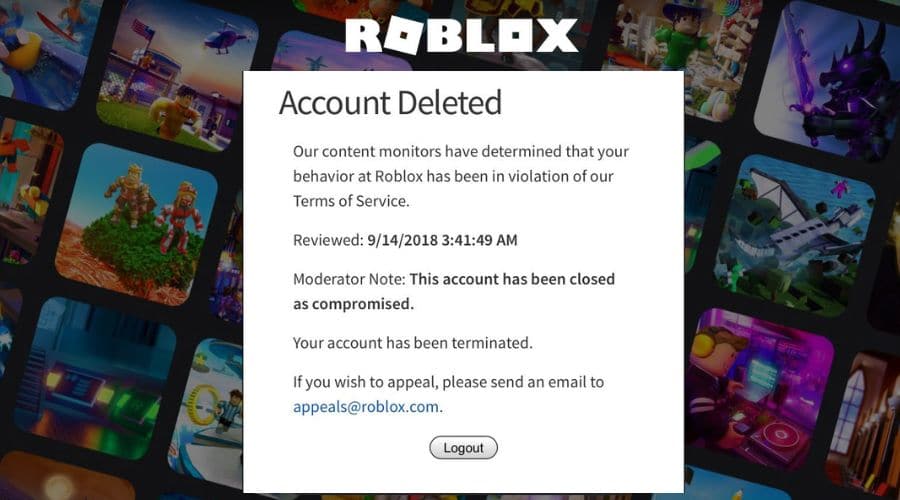
A: If your account was compromised or hacked, you should immediately contact Roblox Customer Support. They have specific procedures for handling compromised accounts, which might involve securing it before proceeding with deletion to prevent further misuse.
Q: Will deleting my Roblox account affect other connected platforms or games?
A: Deleting your Roblox account will only affect your presence on the Roblox platform. It will not directly impact other gaming accounts, social media profiles, or platforms you might have linked to Roblox, although any direct integrations will cease to function.
Q: Is it possible to temporarily suspend my Roblox account instead of deleting it?
A: Roblox does not offer a user-initiated temporary suspension feature. The closest alternative is simply logging out and not using the account. Accounts that remain inactive for a long period (e.g., over a year) may be automatically terminated by Roblox, but this isn't a controllable suspension.
Roblox account deletion is permanent no direct self-service option exists contact support for termination consider data implications before deleting customer service involvement crucial for account removal backup any valuable creations or data before proceeding review linked accounts and subscriptions prior to starting the process.
35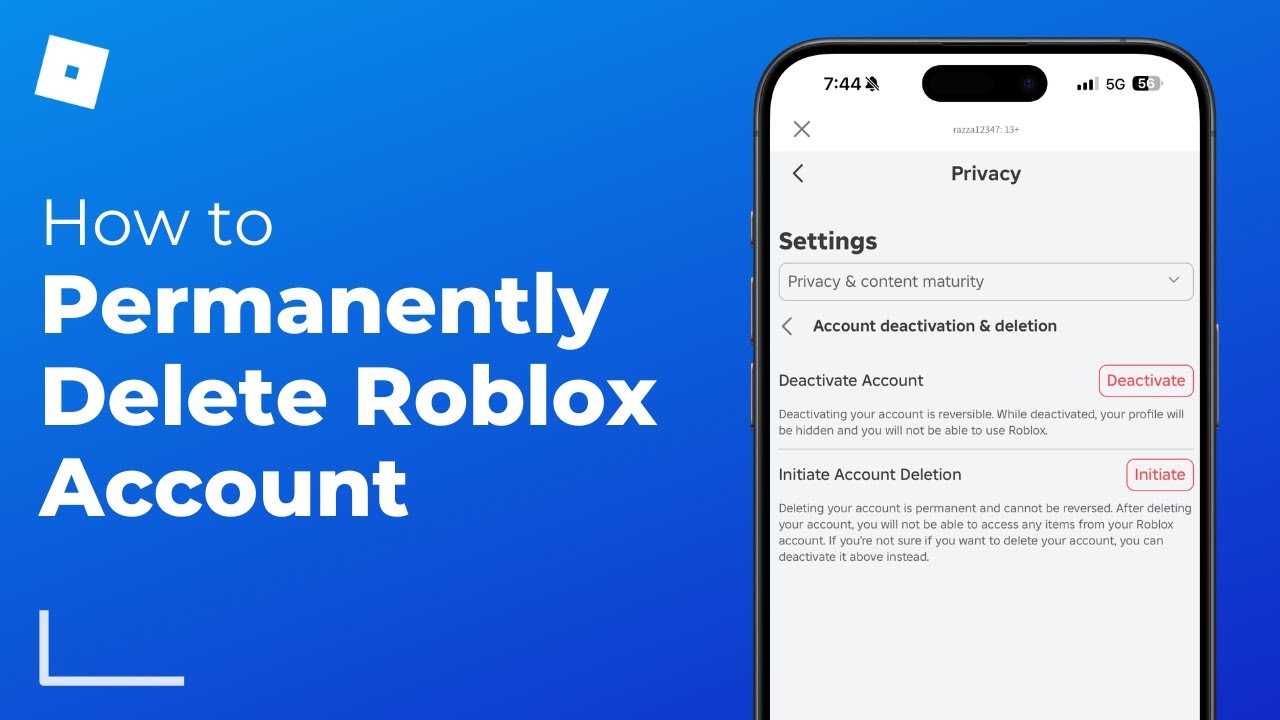
How To Permanently Delete Roblox Account 2025 Full Guide YouTube . How To Delete Your Roblox Account DeleteMe Screenshot 2024 02 22 001835 1 . How To Delete Your Roblox Account Permanently 2021 Beebom How To Delete Your Roblox Account Body1 . How To Delete Roblox Account A Step By Step Guide Robloxs Account Deletion . How To Permanently Delete Your Roblox Account On All Devices Complete


How To Delete Your Roblox Account DeleteMe Screenshot 2024 02 22 001910 1024x485 . How To Delete Your Roblox Account Permanently In 2026 Full Guide Roblox Delete.webp. How To Delete Roblox Account Permanently 2026 YouTube . How To Delete A Roblox Account And Recover It Later If Needed Image. How To Delete Roblox Worlds Is It Possible How To Delete Roblox Account
How To Delete Roblox Account Permanently 2026 Full Guide YouTube . How To Delete My Roblox Account Forever 2022 Gamer Tweak How To Delete A Roblox Account Permanently . How To Delete Your Roblox Account A Simple Guide Delete Roblox Account Thumbnail . What Is Roblox And How To Delete Your Roblox Account Roblox2 . How To Delete Roblox Account Step By Step With Screenshots ONE Esports Roblox Step3 Provide Issue Details 1 768x432


How To Delete Your Roblox Account On PC Step By Step Guide 2026 . How To Delete A Roblox Account Step By Step Guide Delete Roblox Account 5 960x1024 . How To Delete Your Roblox Account In 7 Steps Quick Guide Delete Roblox Account Step 7 . How To Delete Your Roblox Account In 2021 YouTube . How To Delete Your Roblox Account In 2021 YouTube


How To Delete Your Roblox Account DeleteMe Screenshot 2024 02 22 001855 . How To Delete Roblox Account A Step By Step Guide 2. How To Delete A Roblox. How To Delete Roblox Account Step By Step Guide To Close Your Roblox . How To Delete Your Roblox Account Permanently Full Guide 2025 YouTube . How To A Delete Roblox Account On Your Own Step By Step Guide How To Delete Roblox Account..


How To Delete Your Roblox Account A Simple Guide Delete Roblox Account 5 . How To Delete The Roblox Account Roblox Account Deleted . How To Delete Roblox Account TechCult Click On Continue 1024x765 . How To Delete A ROBLOX Experience Game In 2026 Roblox Den Image 8226d426bb . How To Delete Your Roblox Account In 7 Steps Quick Guide V4 460px Delete Roblox Account Step 1


HOW TO DELETE ROBLOX ACCOUNT TechBriefly 116031231 . How To Delete A Roblox Account Step By Step Guide Delete Roblox Account 375x249 . How To Delete Roblox Account Permanently Updated Quick Simple . How To Delete Your Roblox Account 5 Methods How To Delete A Roblox Account . How To Delete Roblox Account Complete Guide 2022 PureVPN Blog OG 01 1 1 300x158